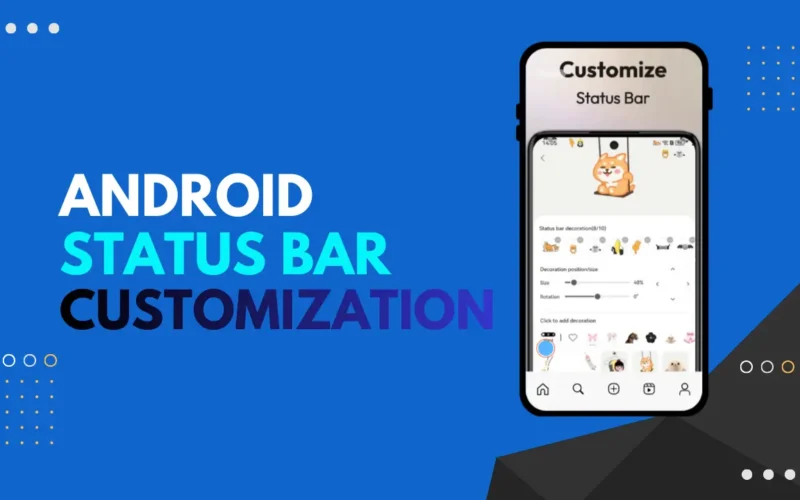
The status bar is one of the most used parts of your Android phone. You see it every time you unlock your device. It shows important things like battery level, network signal, time, and notifications. But by default, it looks the same on most phones.
If you like personalizing your phone, customizing the status bar can make a big difference. You can change how it looks, add useful information, and make it match your style.
In this guide, you’ll learn how to customize the status bar on Android using a simple and easy app.
Why Customize the Status Bar?
Customizing the status bar is not just about looks. It can also improve usability. You can make icons clearer, add battery styles, show internet speed, or adjust colors for better visibility.
Many Android users want more control over their phone’s appearance without rooting their device. The good news is that you can do this safely using third-party apps.
Mico – Status Bar Customization
To customize the status bar, we’ll use an app called Mico – Status Bar Customization. You can download it from the Google Play Store here.
This app allows you to change the look and feel of your status bar without root access. It works on most Android phones and is easy to use, even for beginners.
How to Customize Status Bar on Android
First, download and install the Mico app from the Play Store. Once installed, open the app.
When you open it for the first time, the app will ask for a few permissions. These permissions are required to display the custom status bar and apply changes properly. Allow all the necessary permissions as guided on the screen.
After setup, you’ll see different customization options inside the app. You can start by choosing a new status bar style. The app offers various designs that change how icons, battery, and the top bar look.
You can also customize the battery indicator. This includes changing the battery icon style, showing battery percentage, or using animated battery designs. Choose the one that fits your preference and apply it.
Another useful feature is color customization. You can change the background color of the status bar and adjust icon colors to match your wallpaper or theme.
Once you’re happy with the changes, enable the custom status bar option in the app. Your new status bar design should appear instantly.
Extra Features You Can Try
The app also lets you display useful information like internet speed, notifications, or custom text on the status bar. These features can be helpful if you like seeing real-time information without opening apps.
You can turn features on or off anytime from the app settings.
Is It Safe to Use?
Yes, the app is safe to use if downloaded from the Play Store. It does not require root access, which means it won’t harm your phone system.
However, avoid granting unnecessary permissions and keep the app updated for the best experience.
Tips for Best Experience
Keep your phone’s battery optimization disabled for the app so it can run smoothly in the background. If the status bar disappears or resets, simply reopen the app and re-enable it.
Using simple designs also helps keep performance smooth, especially on older devices.
Final Thoughts
Customizing the status bar on Android is an easy way to give your phone a fresh and personal look. With apps like Mico, you don’t need technical knowledge or risky changes.
If you enjoy customizing your Android device, changing the status bar is a small tweak that makes your phone feel brand new.